iPhone 17 Pro Max Mockup Generator
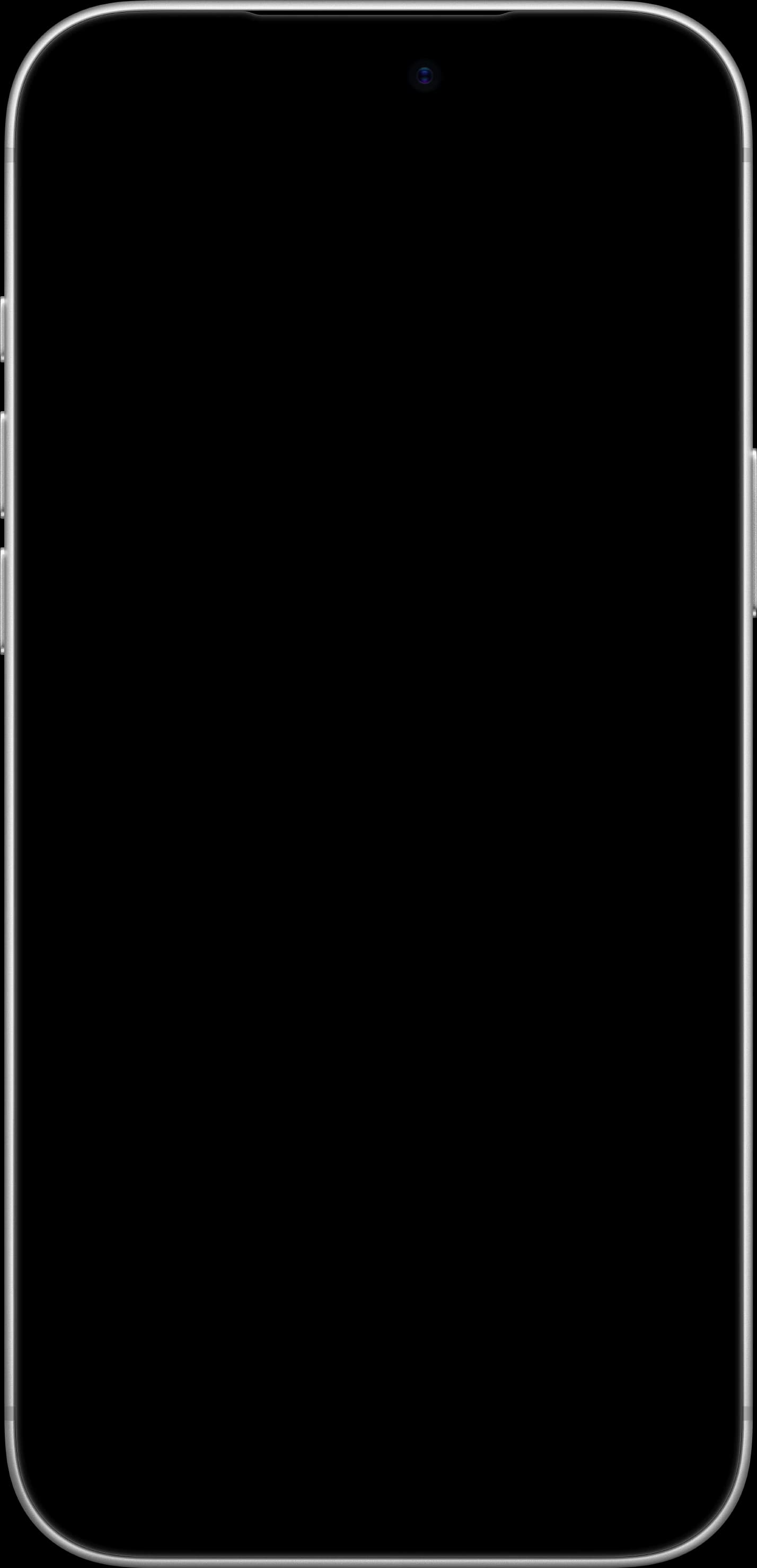
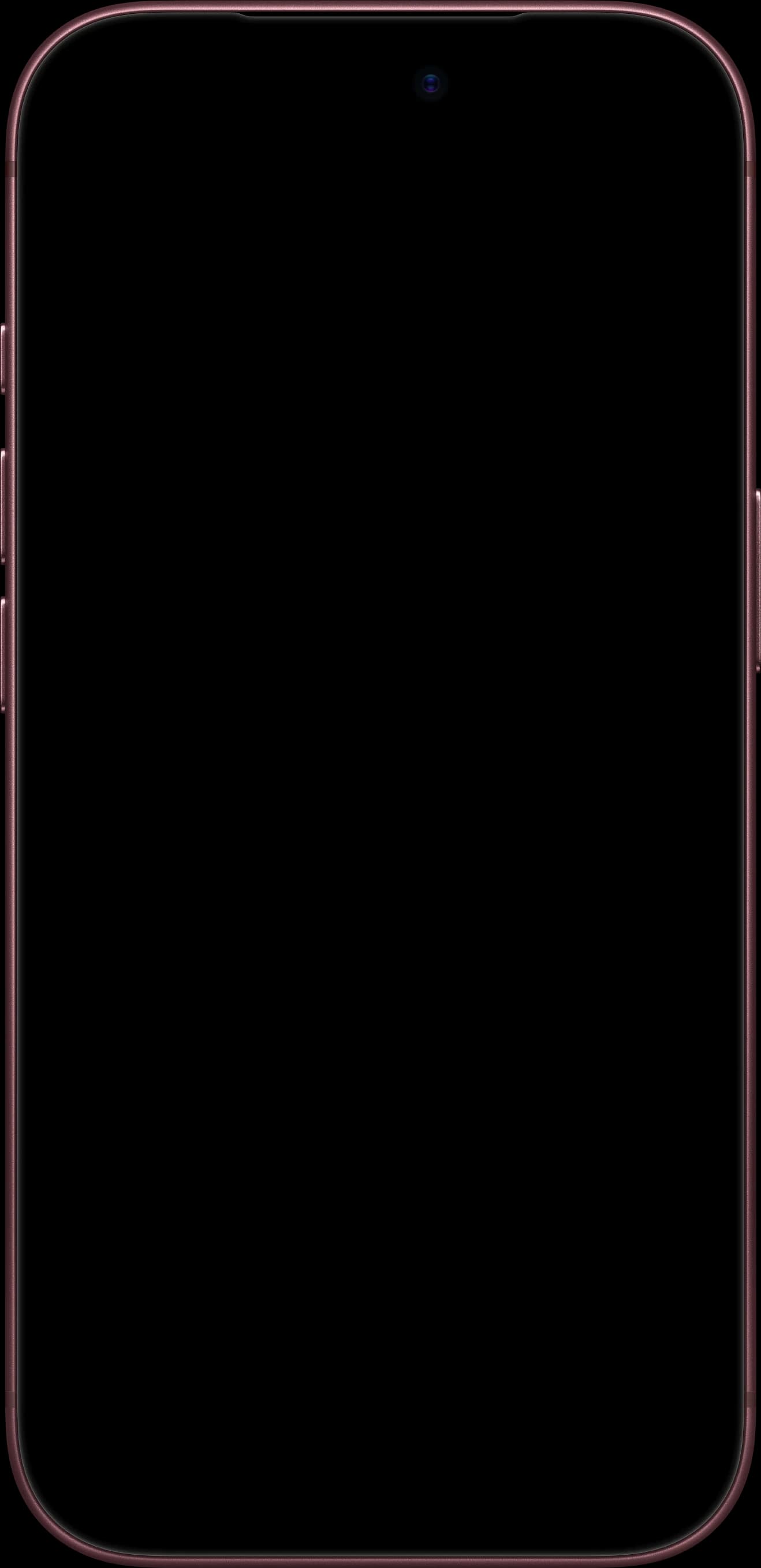
The iPhone 17 Pro Max has a 6.9-inch display with the Dynamic Island and an aluminum unibody. Its 1320 x 2868 screen is an accepted size in App Store Connect's 6.9-inch iPhone class, so it makes a good frame for your main App Store images. Pick Cosmic Orange, Deep Blue or Silver and export in seconds.
- Screen size
- 6.9 inches
- Recommended size
- 1320 × 2868px

How to create a iPhone 17 Pro Max mockup
- 1
Open the mockup generator
Use “Create iPhone 17 Pro Max mockup” to open the free editor with this frame selected.
- 2
Upload your screenshot
Drag and drop, paste or browse. 1320 x 2868 px is the recommended size.
- 3
Select iPhone 17 Pro Max
Choose iPhone 17 Pro Max in the device picker, or press ⌘K and type its name.
- 4
Style and export
Pick a background and layout, then export PNG, JPG or WebP at up to 3x.
Frequently asked questions
How do I create an iPhone 17 Pro Max mockup?
Open Shotframe, upload your screenshot, pick iPhone 17 Pro Max from the device list, choose a color, set your background and export as PNG, JPG or WebP. It's free, with no signup or watermark.
What size should an iPhone 17 Pro Max screenshot be?
The iPhone 17 Pro Max display is 1320 x 2868 pixels at 460 ppi, an accepted size for App Store Connect's 6.9-inch class (iPhone with Dynamic Island, large display). App Store Connect requires the 6.3-inch class for iPhone apps, so also export a set at 1206 x 2622 with the App Store iPhone 6.3" frame size.
What's the difference between the iPhone 17 Pro and iPhone 17 Pro Max frames?
Screen size. The iPhone 17 Pro has a 6.3-inch, 1206 x 2622 display and the Pro Max a 6.9-inch, 1320 x 2868 one. Both come in Cosmic Orange, Deep Blue and Silver, so pick the one that matches your screenshots.
Which iPhone 17 Pro Max colors are available?
Cosmic Orange, Deep Blue and Silver. You can switch colors in the editor at any time without re-uploading your screenshot.
Can I use iPhone 17 Pro Max mockups commercially?
Yes. Mockups are free for personal and commercial use, including App Store listings, websites, pitch decks and social posts.