iPhone 18 Pro Max Mockup Generator
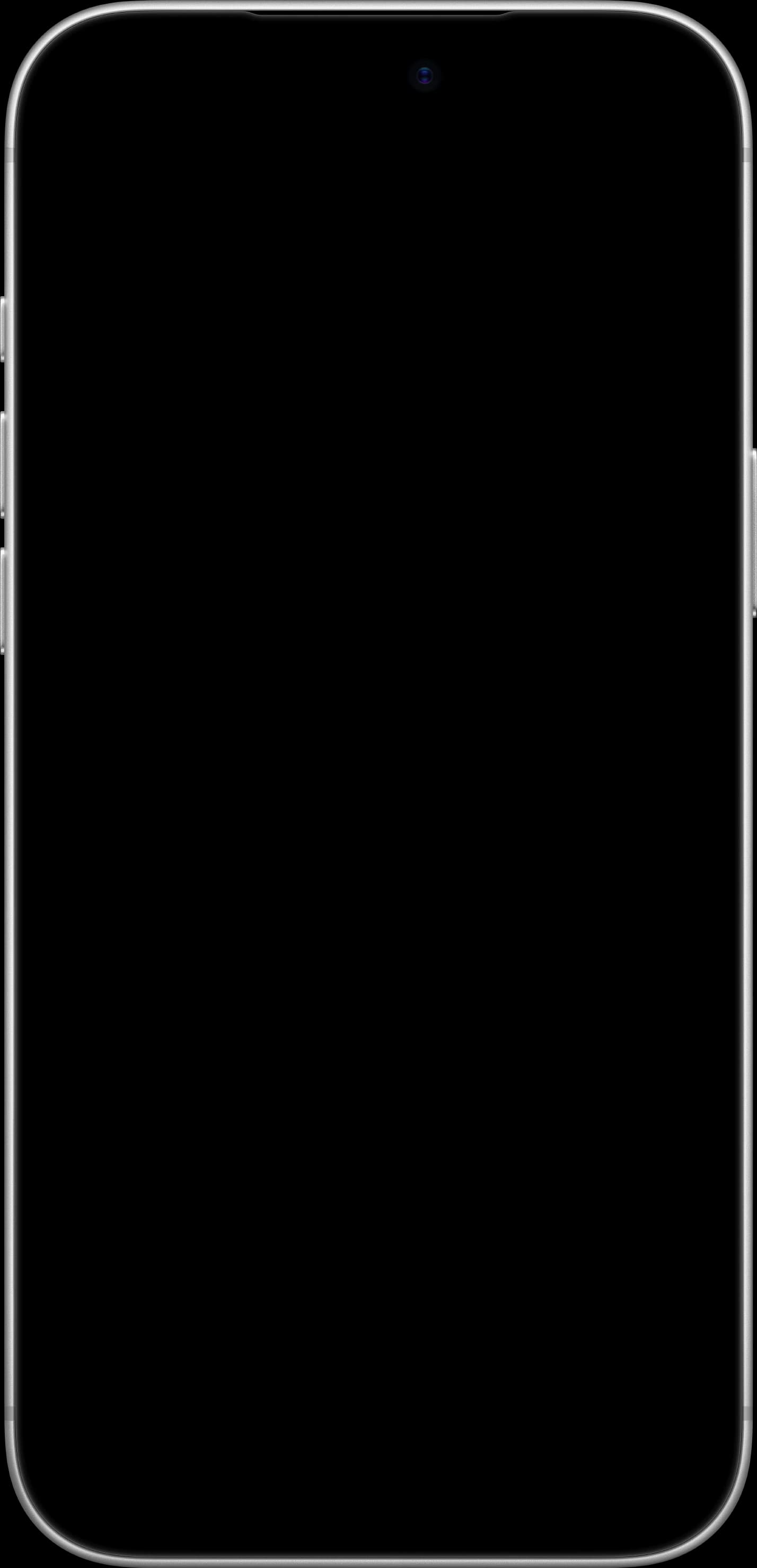
The iPhone 18 Pro Max has a 6.9-inch display and the new, smaller Dynamic Island. Drop your app screenshot into a pixel-accurate iPhone 18 Pro Max frame in all four colors (Black, Glacier, Burgundy and Silver) and export App Store-ready images in seconds.
Free, no signup required
Device Specifications
- Screen Size
- 6.9 inches
- Recommended Resolution
- 1320 x 2868 px
How to Create a iPhone 18 Pro Max Mockup
- 1
Open the Mockup Generator
Click the button above to launch Shotframe’s free editor.
- 2
Upload Your Screenshot
Drag and drop or click to upload your app screenshot (1320 x 2868 px recommended).
- 3
Select iPhone 18 Pro Max
Choose iPhone 18 Pro Max from the device selector dropdown.
- 4
Customize and Export
Adjust background, layout, and export as PNG, JPG, or WebP at up to 3x resolution.
Frequently Asked Questions
How do I create an iPhone 18 Pro Max mockup?
Open Shotframe, upload your screenshot, pick iPhone 18 Pro Max from the device list, choose a color, set your background and export as PNG, JPG or WebP. It's free, with no signup or watermark.
What size should an iPhone 18 Pro Max screenshot be?
The iPhone 18 Pro Max display is 1320 x 2868 pixels. That's also an accepted size for the 6.9-inch iPhone slot in App Store Connect, so a native simulator screenshot fits the frame exactly.
Which iPhone 18 Pro Max colors are available?
All four colors: Black, Glacier, Burgundy and Silver. You can switch colors in the editor at any time without re-uploading your screenshot.
Does the frame show the new Dynamic Island?
Yes. The iPhone 18 Pro Max frame has the smaller Dynamic Island that Apple introduced this generation, so your mockups match the real device.
Can I use iPhone 18 Pro Max mockups for App Store screenshots?
Yes. Mockups are free for personal and commercial use, including App Store listings, websites, pitch decks and social posts.