iPhone Duo Open Mockup Generator
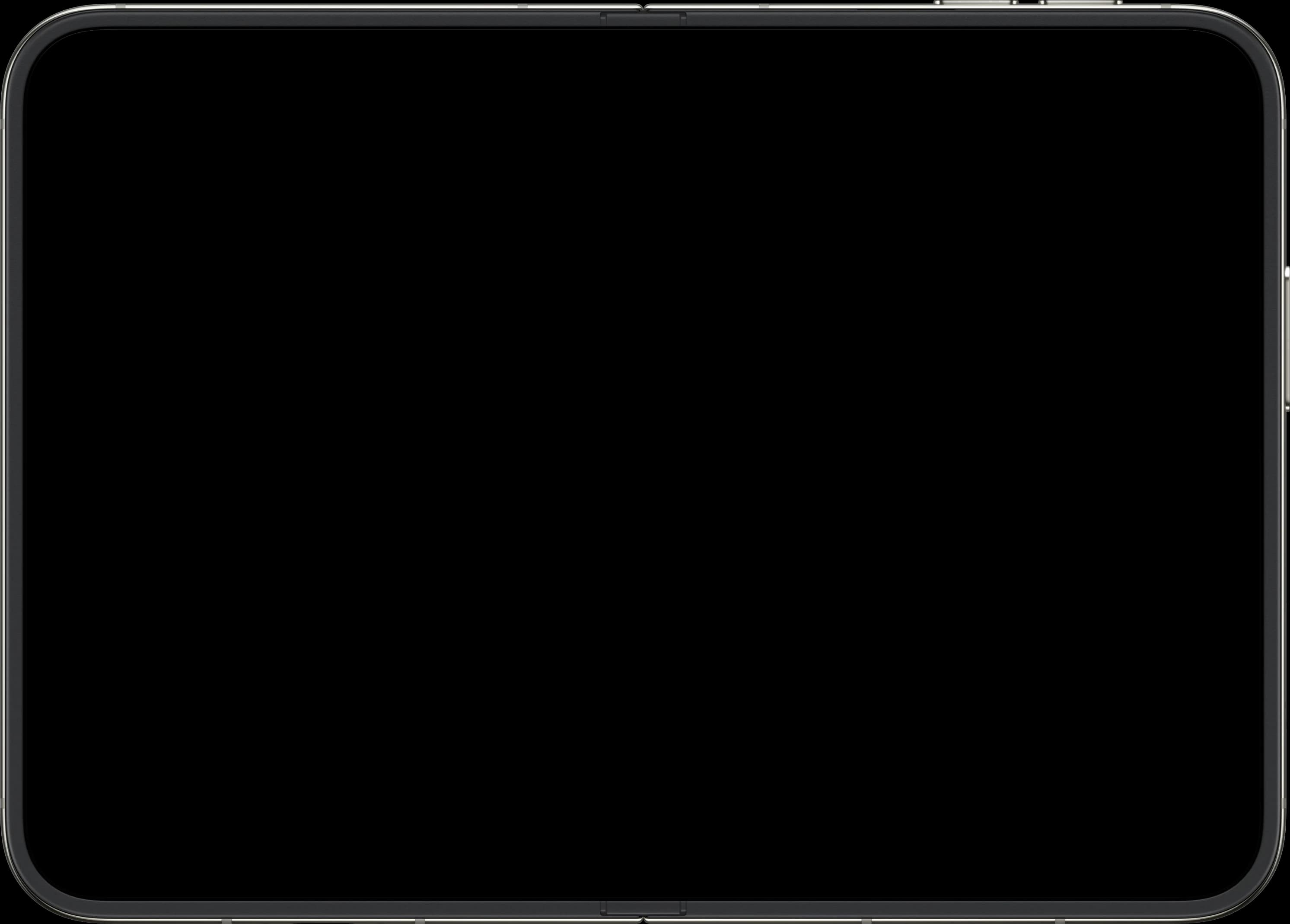
Unfolded, the iPhone Duo opens to a 7.6-inch inner screen and runs its interface in landscape, with room for apps side by side. This frame shows the open phone with the hinge across the middle, so you can show off sidebars, split views and wide layouts. A 2853 x 2007 screenshot fits the screen exactly.
Free, no signup required
Device Specifications
- Screen Size
- 7.6 inches (inner screen)
- Recommended Resolution
- 2853 x 2007 px
How to Create a iPhone Duo Open Mockup
- 1
Open the Mockup Generator
Click the button above to launch Shotframe’s free editor.
- 2
Upload Your Screenshot
Drag and drop or click to upload your app screenshot (2853 x 2007 px recommended).
- 3
Select iPhone Duo (Open)
Choose iPhone Duo (Open) from the device selector dropdown.
- 4
Customize and Export
Adjust background, layout, and export as PNG, JPG, or WebP at up to 3x resolution.
Frequently Asked Questions
How do I create an unfolded iPhone Duo mockup?
Open Shotframe, upload a landscape screenshot, pick iPhone Duo (Open) from the device list, set your background and export as PNG, JPG or WebP. It's free, with no signup or watermark.
What size should an unfolded iPhone Duo screenshot be?
The inner screen is 2853 x 2007 pixels in landscape. The simulator's display is 2007 x 2853 in portrait, so if your capture comes out portrait with the interface sideways, rotate it 90 degrees clockwise before you upload it.
Why is the open iPhone Duo frame landscape?
When the iPhone Duo is unfolded, iOS runs the interface in landscape, like an iPhone turned on its side, with room for two apps side by side. The frame matches that, with the hinge running across the middle of the screen.
How big is the iPhone Duo inner screen?
It's 7.6 inches when the phone is fully open. The cover screen you see when it's folded is 5.4 inches.
Can I show the iPhone Duo folded and unfolded together?
Yes. Set the device count to 2 and pick iPhone Duo (Closed) for one device and iPhone Duo (Open) for the other, each with its own screenshot.